Metastore Setup – AWS Glue Catalog
Metastore
An AWS Glue Catalog in Yeedu lets you connect to your AWS Glue Data Catalog and access database, table, and partition metadata stored in your AWS account. The configuration itself is small: a name, an optional description, the Metastore Type set to AWS GLUE, and one Storage Secret pointing at the Amazon S3 location behind the catalog. That secret carries a scope of User, Workspace or Tenant, and the scope decides who else can read and use it.
An AWS Glue Metastore configuration includes:
- Storage Secret (credentials for your object store)
Scope Levels for Secrets
Secrets used in an AWS Glue Catalog follow our scope-based permission model:
| Scope | Visibility |
|---|---|
| User | Only the creator can read/use |
| Workspace | All users in one workspace |
| Tenant | Visible to all users within the tenant |
Creating an AWS Glue Catalog Metastore
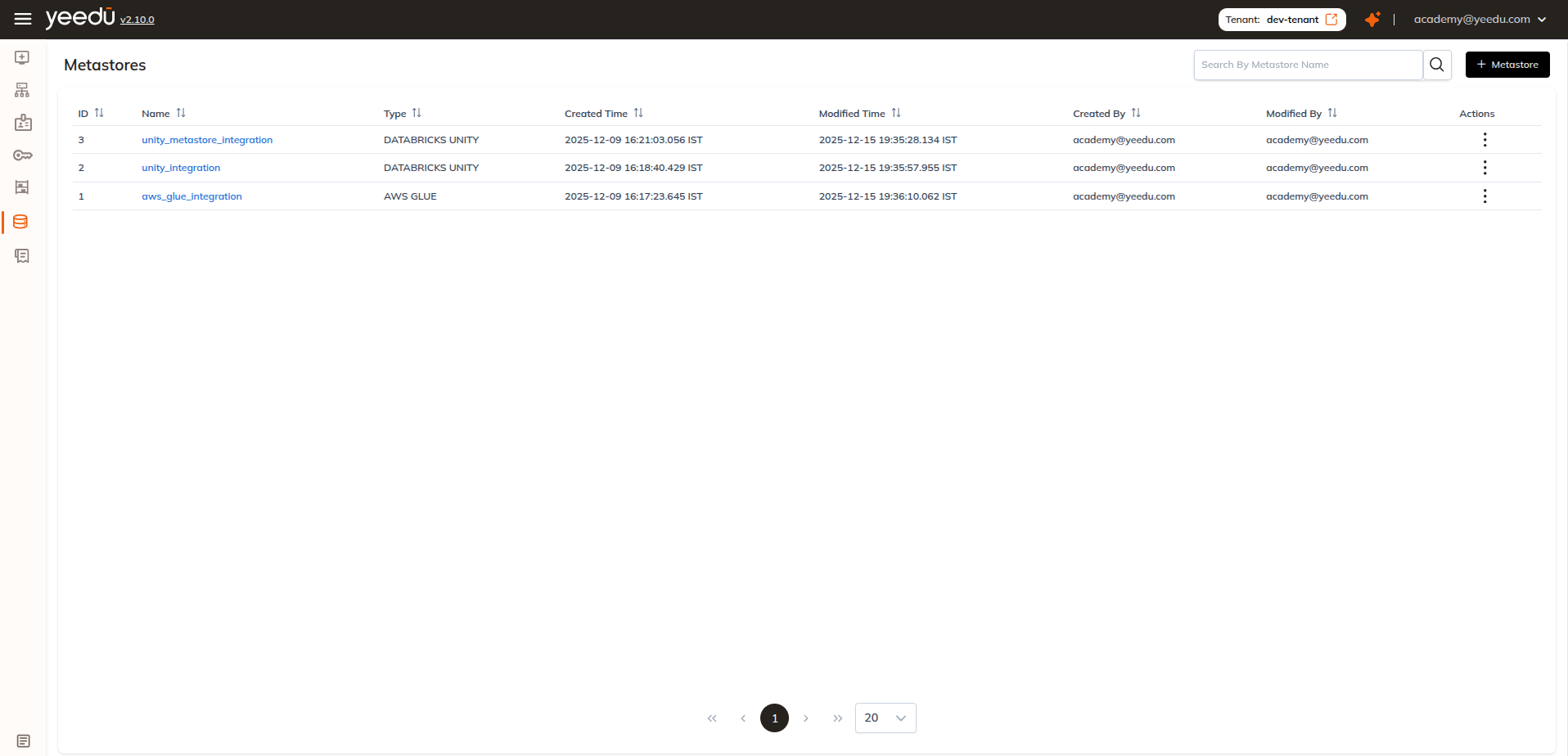
Click + Metastore on the top-right of the Metastore page.
Provide the Required Details
Basic Details
- Name : Required and must be unique
- Description : Optional
- Metastore Type : Select
AWS GLUE. The dropdown offersAWS GLUE,DATABRICKS UNITYandHIVE(default:DATABRICKS UNITY)
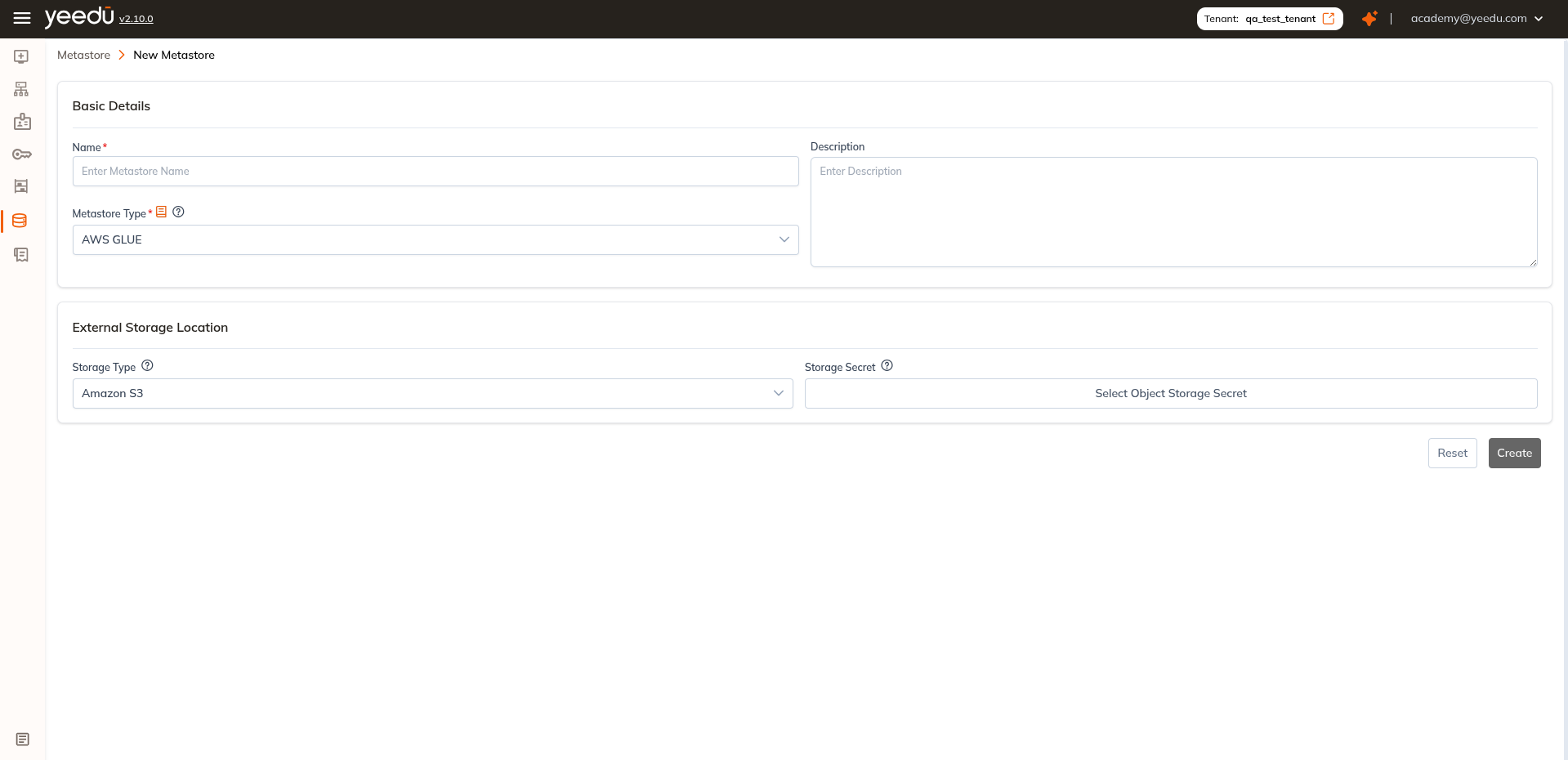
With AWS GLUE selected, the form shows only the External Storage Location section. You won't see the XML files or Metastore Details sections, since those belong to HIVE and DATABRICKS UNITY respectively.
External Storage Location
- Storage Type: Fixed to
Amazon S3. You can't edit it for AWS Glue - Storage Secret: Select the Object Storage Secret for the S3 bucket
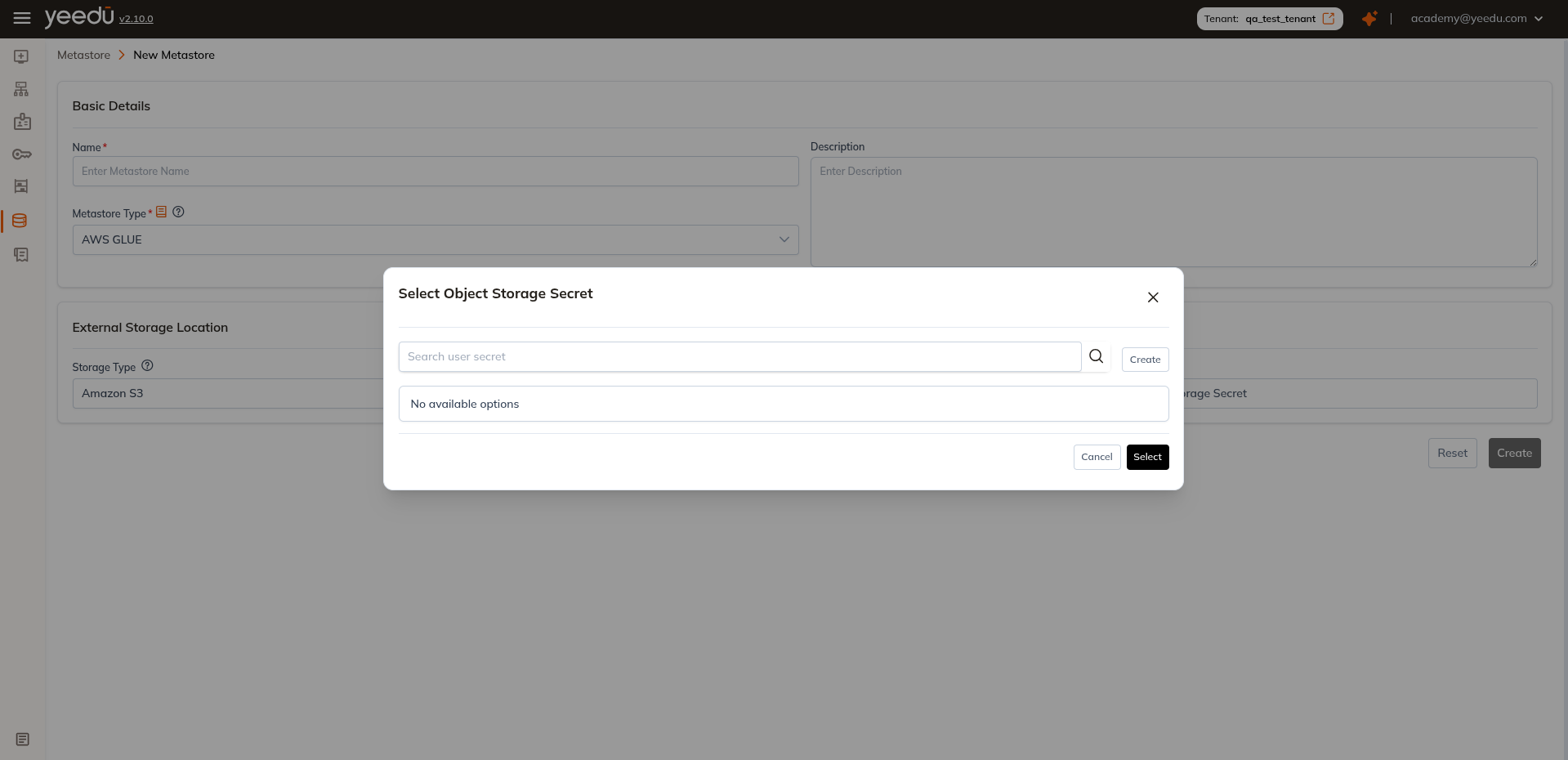
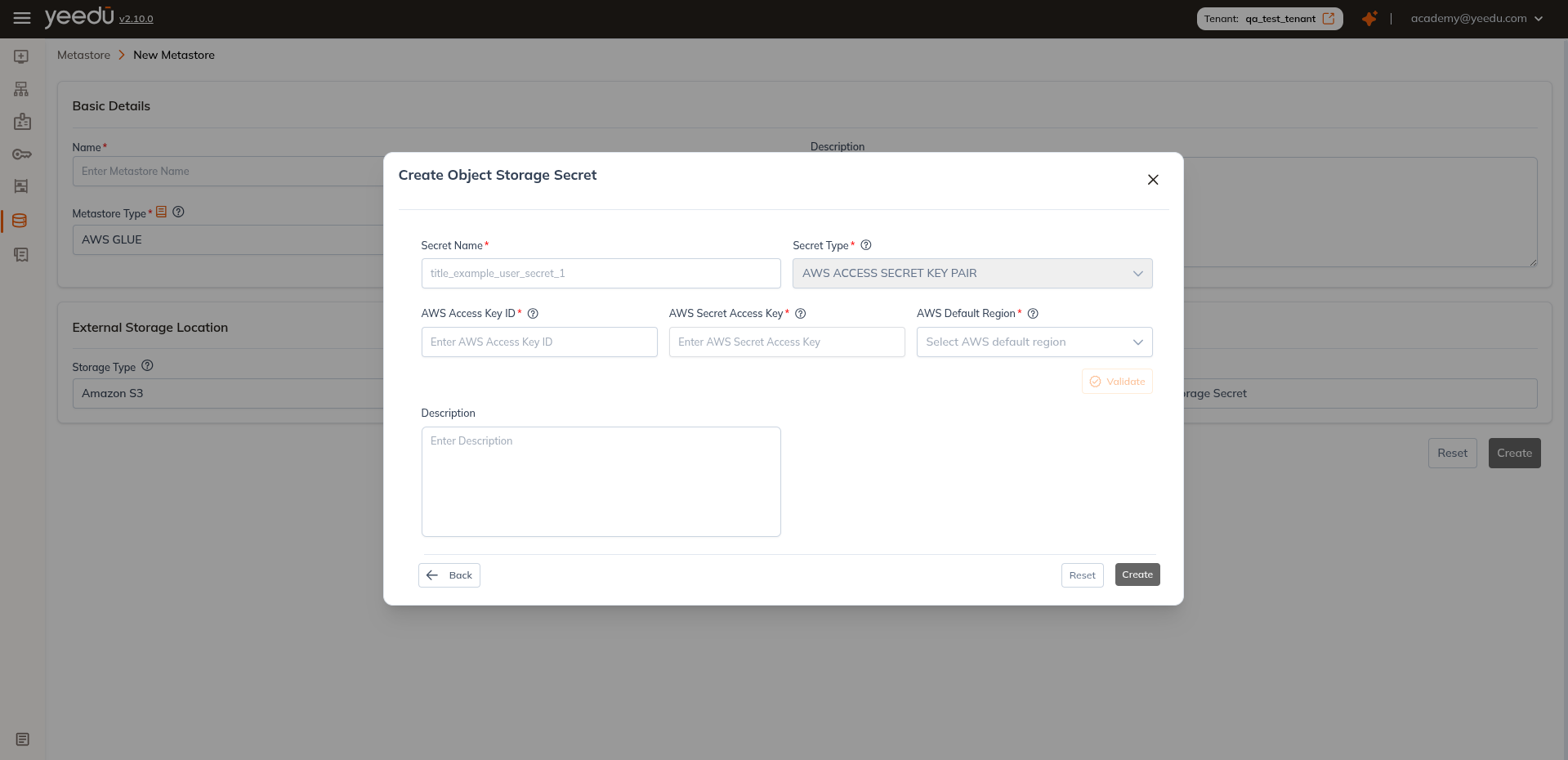
We let you choose an existing secret from the dropdown or create a new secret directly in the UI.